
How to Launch your NFT Project on Campfire - September 2022 [Updated]
Project Owner and Developer Guide to Launch NFT Collection with Campfire in the middle of crypto winter.
I joined the Campfire Discord Channel recently to assist a client in launching their NFT Collection. I soon realized a lot of project owners were facing similar issues with Project Launch and Verification as I was facing.
Thus, I have collated all my learnings from launching the collection with Campfire in this Project Owner and Developer Guide.
Milestones to Launch on Campfire
September Update - Sep 2, 2022.
Phase III - Campfire Listing
Phase IV - Mint and Campfire Verification
Phase VI - NFT Reveal [Optional]
Phase I - Artwork
Complete ArtWork
Create Metadata for ArtWork
Phase II - Smart Contract
Find a dev to upload Art Work and Metadata to IPFS - NFT.Storage is the best option out there.
Get your smart contract written as per your needs like reveal, whitelist, royalty, etc.
For contracts to work correctly on Campfire, they need to be mint(uint256 amount) function. More details on the official documentation.
function mint(uint256 amount) public payable {
  //...
}
Dev should deploy the contract to Avax and Verify it on Snowtrace. [FTM and FTMScam for Fanthom Users]
Mint one NFT.
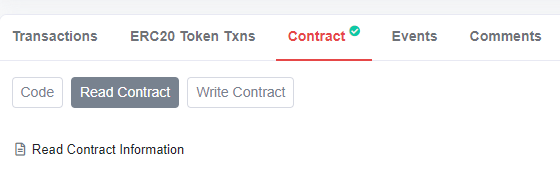
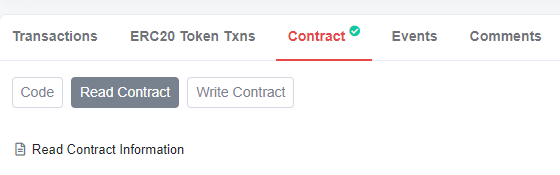
How to know whether your contract is verified? Go to https://snowtrace.io/address/[YOUR_CONTRACT_ADDRESS].
Look for a Green Check Mark on your Contract Tab. This signifies Contract Verification.
Note: You could also use third party services like LMNFT to upload files, write contracts and deploy them. However, verification has to be managed by project owners.
Note: Ensure you transfer the contract ownership to your address around this point.
Phase III - Campfire Listing
Log in to Campfire with the contract owner's address
Go to https://campfire.exchange/collections/[YOUR_CONTRACT_ADDRESS].
You should be able to see your collection with 1 NFT in it.
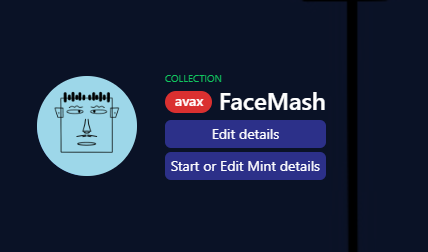
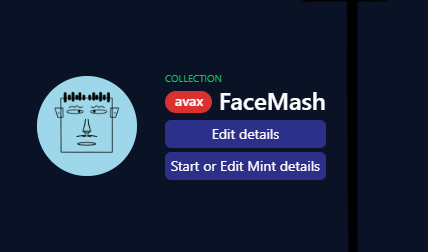
Click "Edit Details" and provide your Twitter, Discord, and other details.
Click "Start or Edit Mint Details" to provide Mint details.
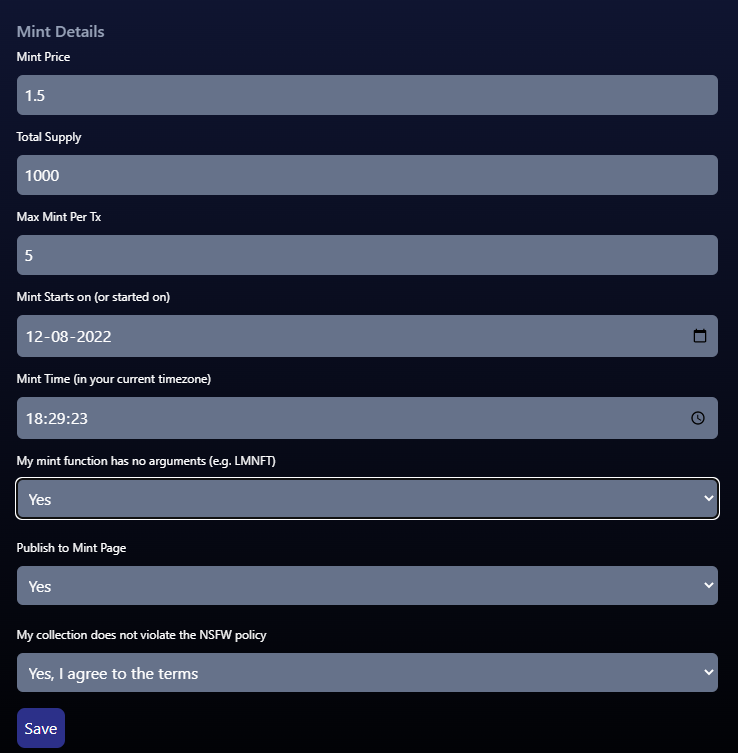
Note: "My mint function has no arguments"

If you are using LMNFT for your contract creation choose "Yes" for  "My mint function has no arguments" question. Otherwise choose "No".

If you find your communitry complaining about high gas fees for mint come back and check your answer for this question. Updating the answer to "No" helped in reducing gas fees back to normal.
Once you have saved the details, use the search bar to find your collection.
To find the Minting Page and Count Down Timer use this link https://campfire.exchange/collections/[YOUR_CONTRACT_ADDRESS]/minting
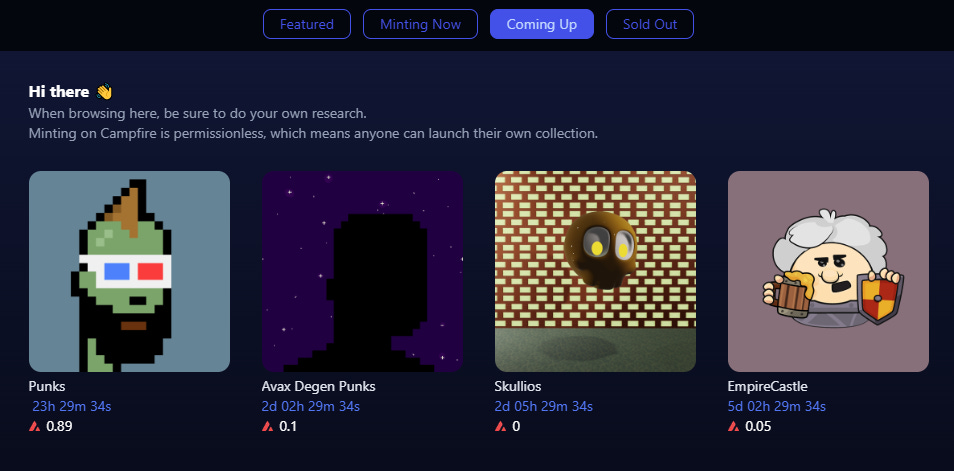
However, your project will be listed on the “Coming Up“ Section of the Mint Page of Campfire only after 24hrs of creating the mint page.
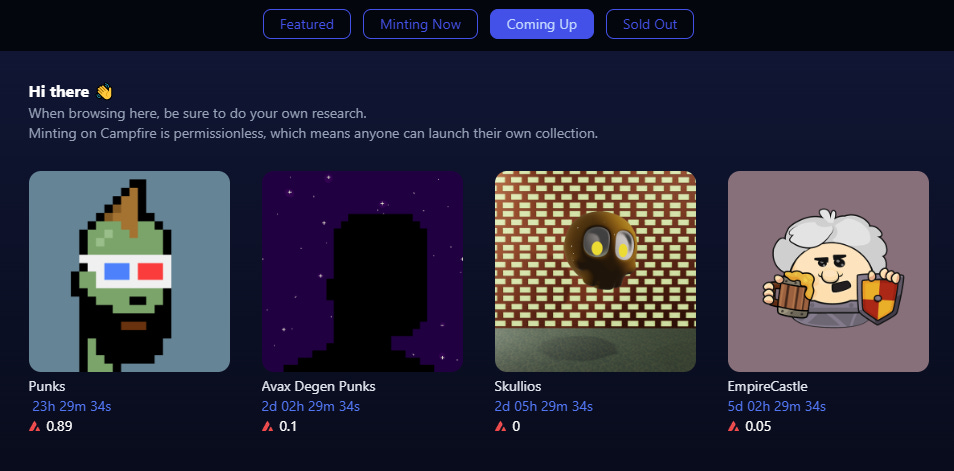
Share your mint page with your community and brace for impact.
Phase IV - Mint and Campfire Verification
“After the recent updates to Campfire, the Project Verification process has been changed. It will be updated here when more details are available.“
Phase V - Delist Mint Page from Campfire [Optional]
If your contract was deployed with the wrong configuration or for some other reason you want to delist the current Mint.
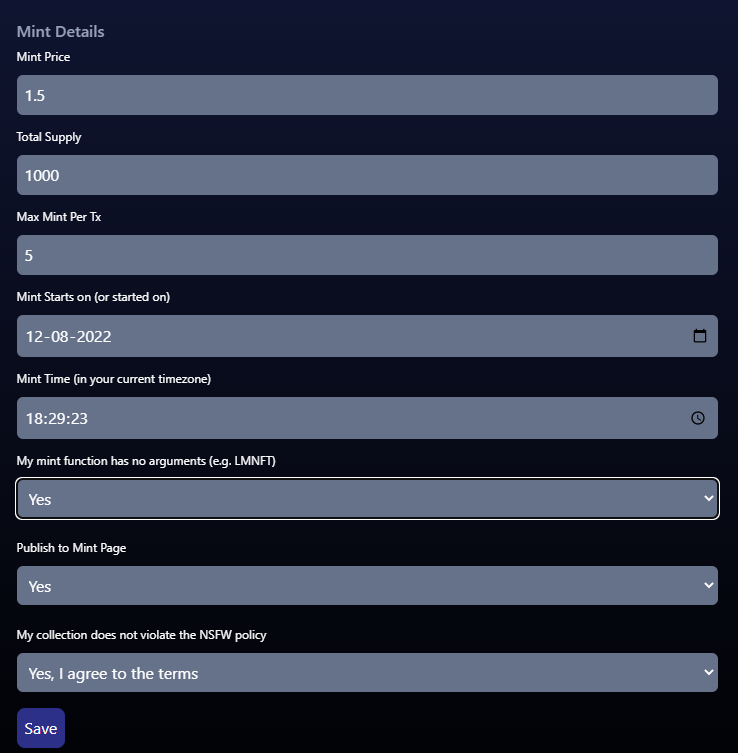
Go to Step 5 of Phase III and select “Publish to Mint Page“ as No. Your mint page will become inaccessible to users.
Phase VI - NFT Reveal [Optional]
If you are revealing NFT images after mint you might have to be patient.
A few hours before the reveal, inform the Campfire team on Discord about the same. The team will refresh the metadata so that reveal can happen smoothly.
Change BaseURI from
ipfs://[CID]/tohttps://ipfs.io/ipfs/[CID]/.This will help Campfire to locate your metadata faster.The community might get impatient with waiting, redirect them to view the NFTs and traits on NFTrade using this link. https://nftrade.com/assets/avalanche/[YOUR_CONTRACT_ADDRESS]
Final Notes
Hope this helps you in launching your collection on Campfire. Leave your thoughts in the comments section to improve this article and topics you wish to see on Subtle Crypto.
All the Best!